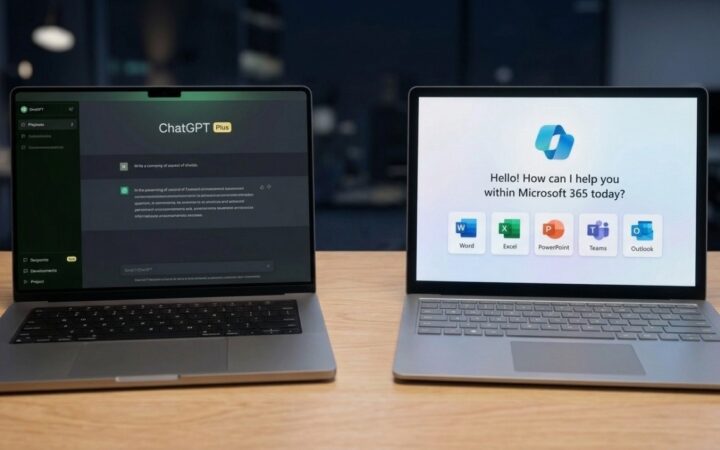


Twice a week gives you roughly eight or nine AI sessions a month. At $20, each session costs about $2.30. Keep paying for a year, and you have spent $240.
I like cost-per-use math because it makes a subscription look easy to judge. I distrust it for the same reason. A five-minute request to rewrite an email and a two-hour coding session each count as one use.
One might save you three minutes. The other might rescue your Saturday. So the question is less “How often do I open it?” and more “What happens when I do?”
In this article
What Are You Actually Paying For?

| Assistant | Free option | Lower-cost paid option | Plan near $20/month |
| ChatGPT | Free access with limits on usage and tools | Go: $8/month in the U.S., with higher limits than Free | Plus: $20/month, with higher limits and broader access to advanced tools. |
| Claude | Free access with limited usage | No lower-cost individual plan listed | Pro: $20/month, or $200 paid annually, with more usage, additional models, Projects, and Claude Code. |
| Gemini | Free access with limited usage | Google AI Plus, with expanded Gemini access. Price depends on the market and offer | Google AI Pro: $19.99/month in the U.S., with higher Gemini limits, Gemini in Gmail and Docs, and 5 TB of storage. |
One plan comparison lists roughly 10 free messages per five hours against 160 messages per three-hour window on Plus. It also lists premium reasoning access and 10 Deep Research reports a month.
Check the current allowances before subscribing, since plan limits can change. Still, the difference in capacity is clear. It is also irrelevant if you ask six questions on a Tuesday and then forget the app exists until Sunday.
An $8 Go plan offers another option if higher limits are your main concern. That is its U.S. price, and pricing can differ elsewhere. I would start with the feature you actually need.
If your free chat ends halfway through a long task, more capacity matters. If you need to analyze a document or run a research workflow, look closely at the tools included.
Buying a larger message allowance for a problem caused by missing features is a very efficient way to spend $20 and solve nothing.
Cost Per Use Is the Wrong Metric
A better calculation is time saved multiplied by what that time is worth to you. In an experiment involving professional writing tasks, people with ChatGPT access finished 40% faster on average, and their work scored 18% higher for quality. Interesting numbers, but the experiment compared AI access with no AI access. It does not tell us that a paid plan beats a free one.
Use $20 an hour as a rough baseline if you do not have a clear hourly figure. Saving one hour a month would then cover a $20 fee.
An estimate of one to two hours saved monthly gives you a reasonable break-even target. A larger example puts the arithmetic in focus: three hours saved per week at $20 an hour equals $240 over four weeks. Nice number.
Before giving the chatbot its tiny accountant’s hat, though, count the time spent writing prompts, checking claims, and fixing mistakes. A task that usually takes an hour has not become a 40-minute task if you spend another 30 minutes repairing the answer.
Money is not the only measure. Finishing a personal project on Saturday instead of carrying it into next weekend has value, even if nobody pays you by the hour.
Just be specific about the benefit rather than assigning an impressive dollar figure to every minute you spend near a keyboard.
When Twice-a-Week Use Can Still Be Worth $20

Picture two people with the same eight-session month. One asks for dinner ideas, a birthday message, and the occasional explanation of a technical term.
Free access probably handles those jobs. Another spends every Saturday debugging code and every Wednesday working through a long document. Eight sessions can be plenty when each one tackles a demanding task.
Coding, long-document analysis, research, and image or video creation can all make paid access useful at a low frequency.
One writer who tried several $20 AI subscriptions estimated that his tools saved him two to three hours of productivity per day. That is an account of his own workload, not a promise attached to every checkout button.
Other users are content to move among free tools. In a discussion of a $20 plan, one person said they use free Claude, ChatGPT, and Gemini accounts for generic questions.
I can see the logic. If the task is “explain this term,” opening another tab may be easier than adding a monthly bill.
Does the Free Version Get in Your Way?
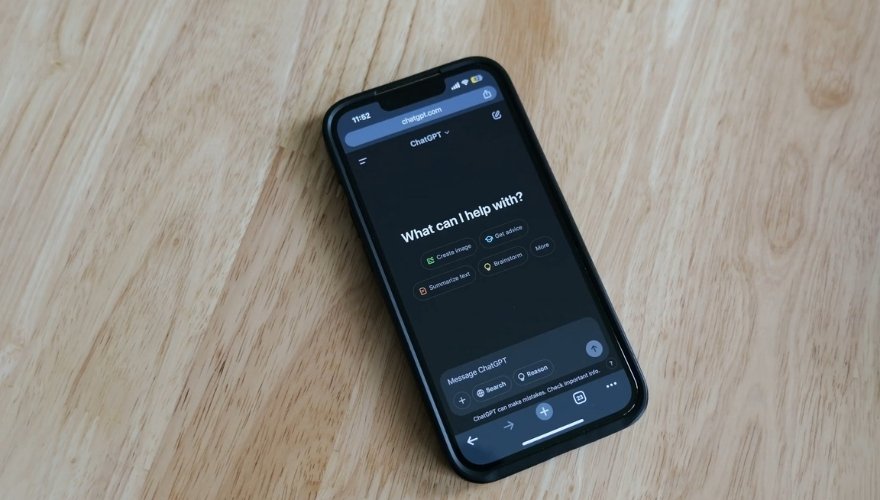
Here is the comparison I would run before paying. Pick a task you already plan to do, perhaps turning a messy document into a usable summary. Try it on the free plan.
Record how long the whole job takes, including checking names, dates, and claims. If a limit stops you or a needed feature is unavailable, note exactly where.
ChatGPT’s free-tier explanation shows why testing your actual task matters: everyday text chat and tools such as file uploads and image creation can have different limits.
Running out of image generations tells you little about how much ordinary chat you need. Next, try a paid plan for a month and repeat that process with comparable tasks.
Judge the finished work, not the speed of the first response. A beautiful summary that invents a deadline is slower once you discover what happened. Keep track of the obstacles that matter:
- A free limit stops you before you finish.
- Waiting or switching tools repeatedly interrupts your work.
- A feature you need is available only with paid access.
- Paid access gives you a better usable result after you check it.
Paid plans can have limits as well. Users discussing Claude reported frustration with restrictions, and ChatGPT Plus says message caps may vary with system conditions.
Claude’s Pro plan explanation says usage depends partly on message length, attached files, and the model or feature used. A lengthy Saturday coding session can therefore hit a limit that eight short chats never would.
One Premium Feature Can Change the Equation
A subscription does not need to win every comparison. It may need to do one recurring job exceptionally well. Say you generate two research reports a month. If each report gives you a useful starting point and saves an hour after you verify its citations, the fee has a plausible case.
If both reports produce confident claims with sources that do not support them, you have paid for a more elaborate checking exercise. A coding tool, a document analysis feature, or a multimedia tool deserves the same test: give it work you already need done, then inspect the result. Different $20 plans have different strengths.
Paying for the assistant that impressed you in a casual chat may make less sense than paying for the one that handles your actual task.
Usage counters cannot tell those outcomes apart. “Helped fix my project” and “suggested lunch” each add one interaction. Your decision should give them considerably different weight.
Worth It?
For casual questions and light writing twice a week, I would stay on free. A $20 plan becomes easier to justify when a limit repeatedly interrupts useful work, a paid feature handles a recurring task, or the time saved survives a fair count of checking and corrections.
Can you name the task, describe what paid access did better, and account for at least $20 of value that month?
If you can, eight sessions may be enough. If you cannot, keep using free and revisit the decision when your workload changes.